Introducing midcenturymodern, a retro-inspired Beamer theme
Posted on Tue 21 April 2026 in Software
I am glad to introduce midcenturymodern, a Beamer theme I have been working on for the past few months. I have been a long-time user of the Metropolis theme, but I was eventually longing for something new — with a retro feel, yet still lighter and more modern than the typical 90s Beamer themes.
Inspiration and developement
Midcenturymodern draws inspiration from the mid-century modern design style, partly in the way it is depicted in the show Severance, which I am quite fond of — both for the story and the aesthetics. I also tried to keep it fairly minimalist, taking some of the spirit of Metropolis.
The colors of the Kraft theme and the title fonts were inspired by this poster from 1970 for a Leon Golub exhibition, which was made by Jacqueline Casey.
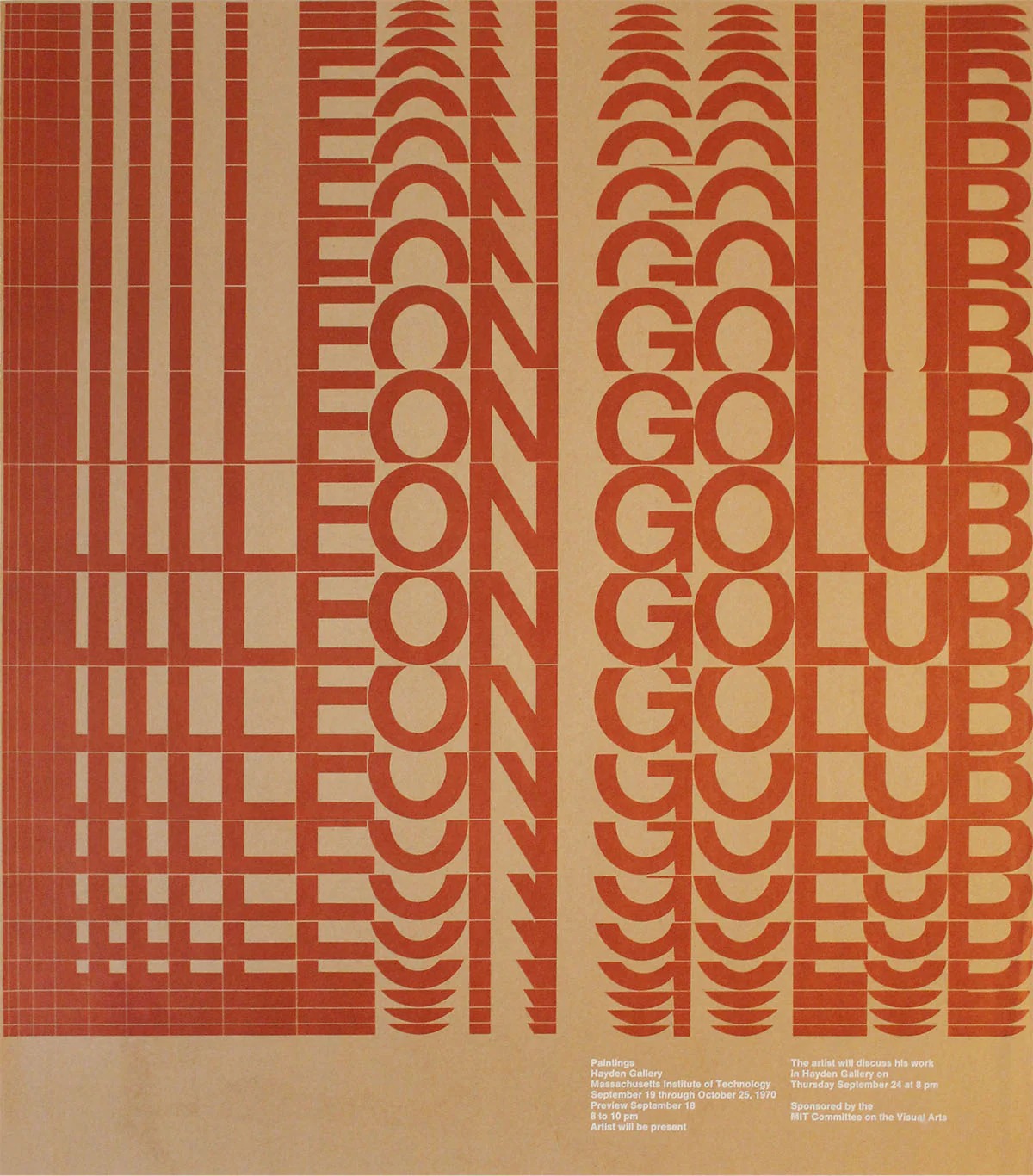
A 1970 poster (work by Jacqueline Casey)
Midcenturymodern was proudly vibe-coded using ChatGPT and Claude. It was an interesting iterative process that probably spared me a lot of time — or maybe even made producing this template possible altogether, as I likely would not have had the courage to learn TikZ on my own.
Two built-in themes
The theme ships with two color palettes. Kraft leans warm, with terracotta and kraft paper tones. DeepBlue goes in the opposite direction, with a dark navy background and icy blue accents. Switching between them is a single line in the preamble of the tex file.
A look at the slides
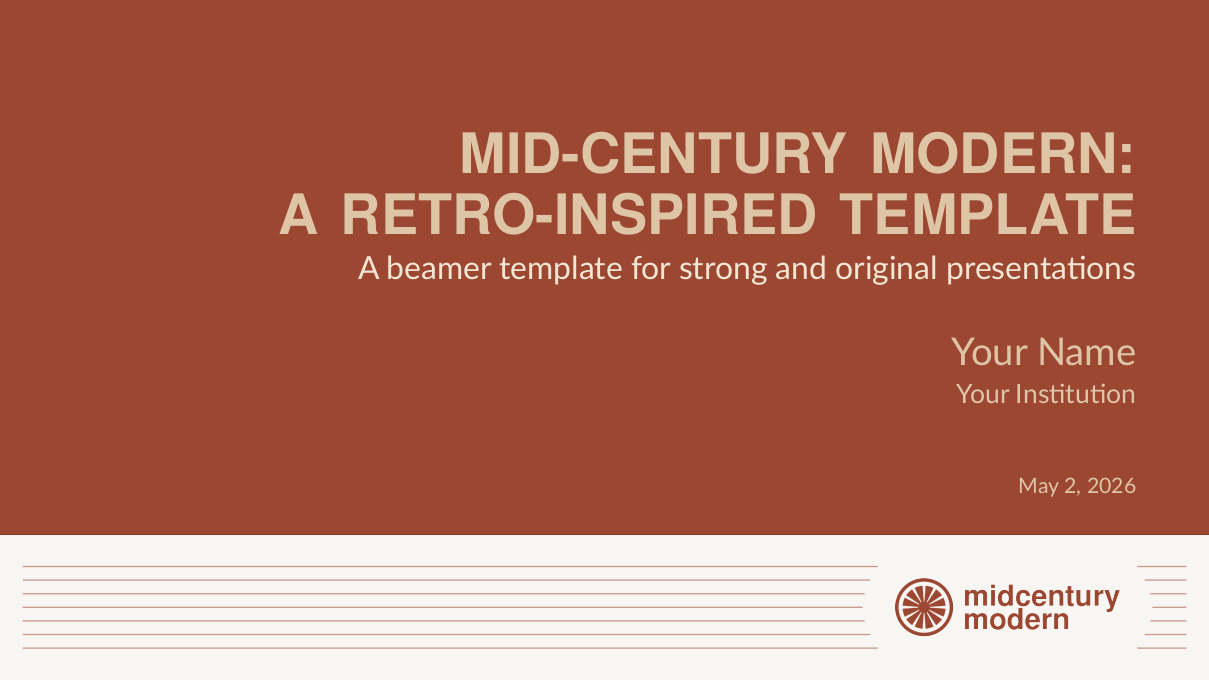
The title page displays the title, subtitle, author, institute and date, right-aligned. The logo sits in the footer, framed by horizontal lines.
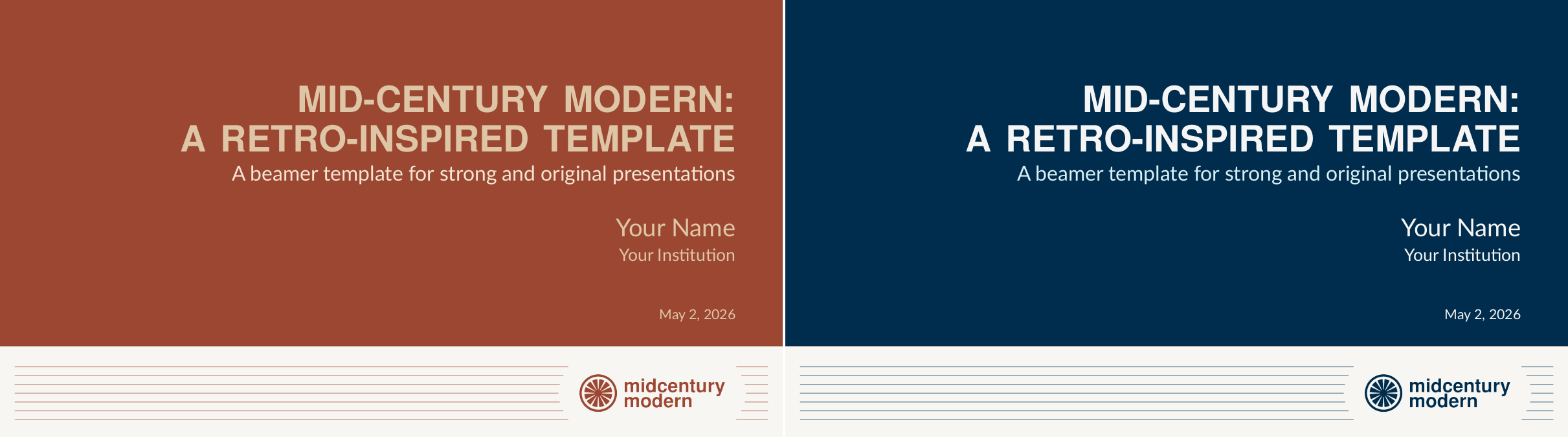
Title slide in both themes — Kraft on the left and DeepBlue on the right.
The theme supports standard, alert, and example blocks, each with a colored accent that adapts to the active theme.
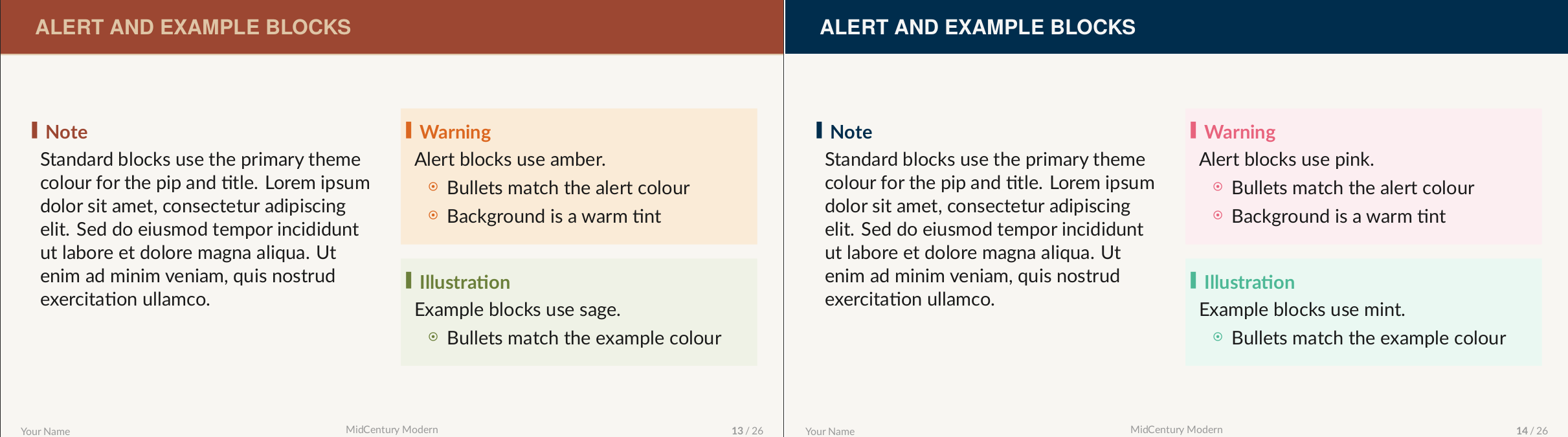
Alert and example blocks in both themes — Kraft on the left and DeepBlue on the right.
Section and subsection pages give the audience a clear visual indication of where they are in the talk.
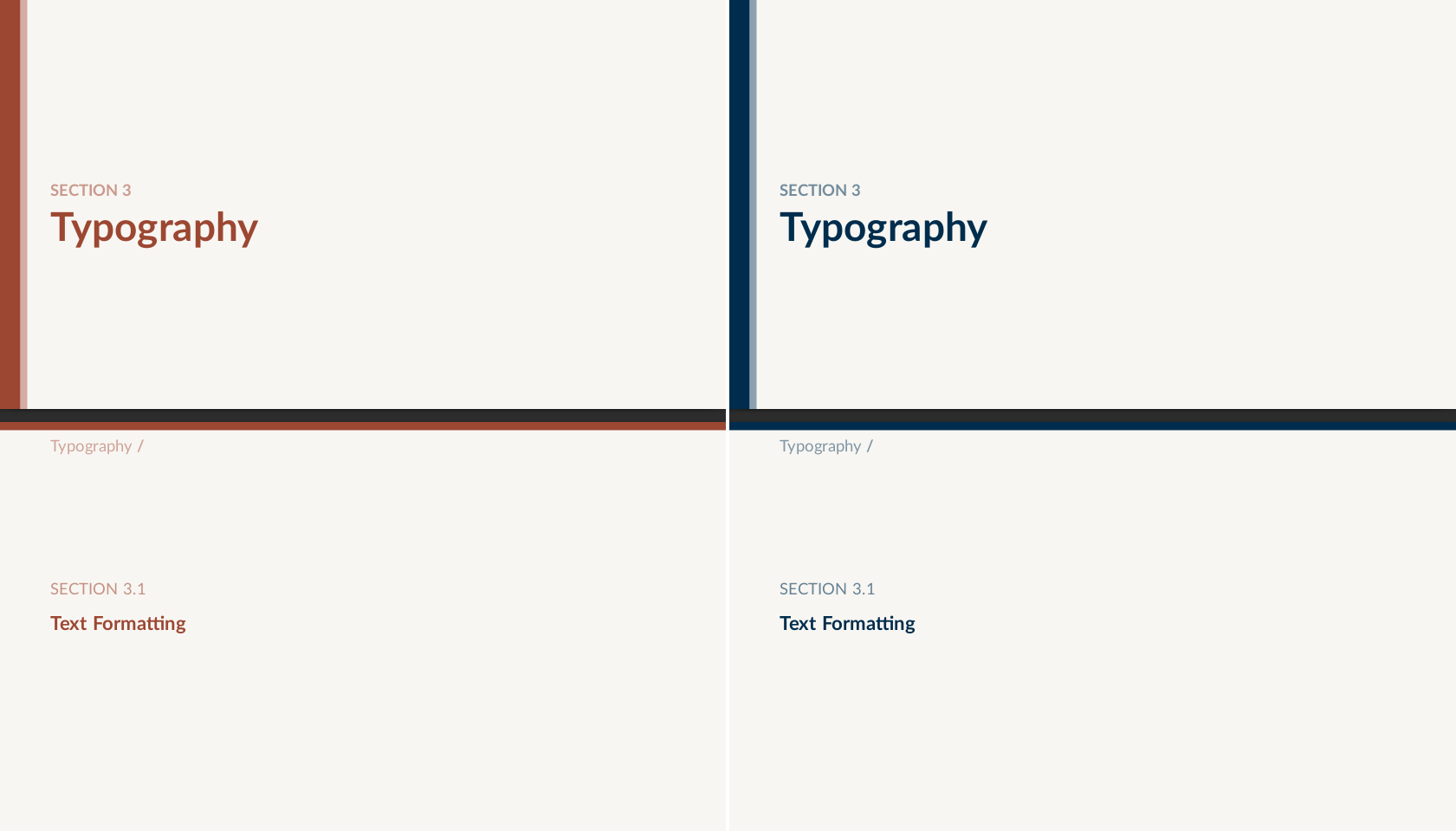
Section page in both themes — Kraft on the left and DeepBlue on the right.
Lists use custom geometric markers at every nesting level.
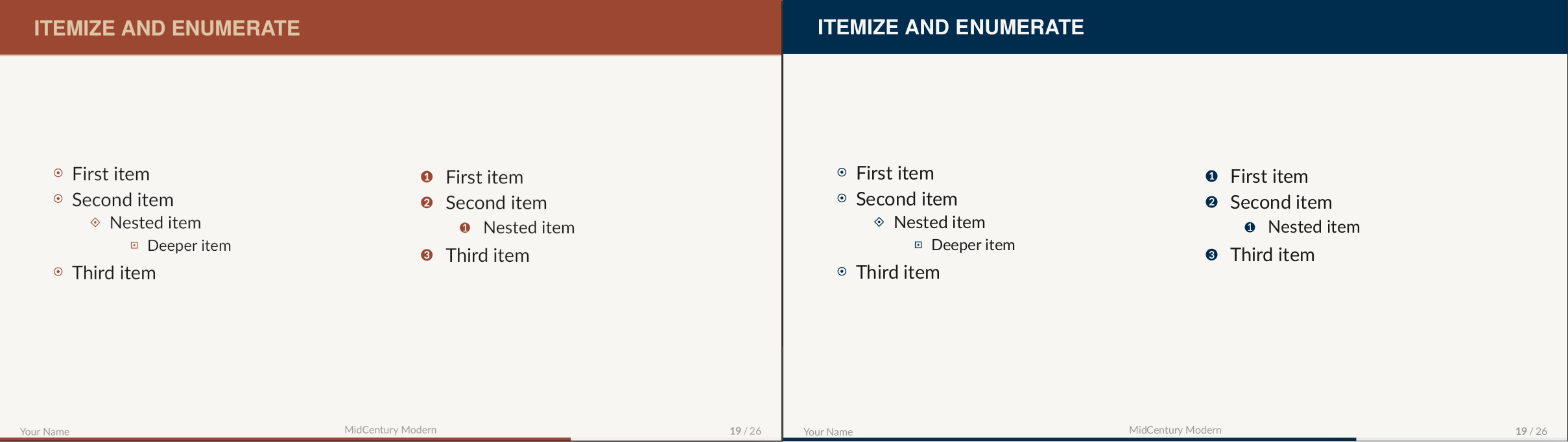
Itemize and enumerate in both themes — Kraft on the left and DeepBlue on the right.
The full demo slides can be found here.
Get the theme
The theme is available on GitHub and in the Overleaf gallery. Feedback, bug reports, and pull requests are very welcome.